Flip
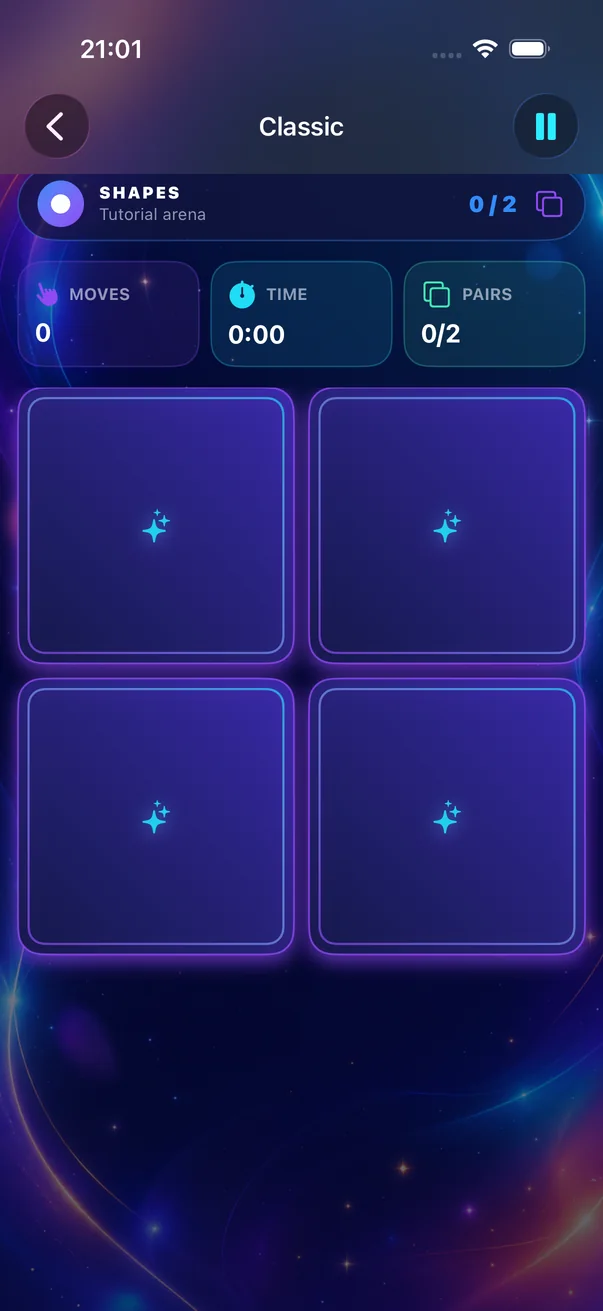
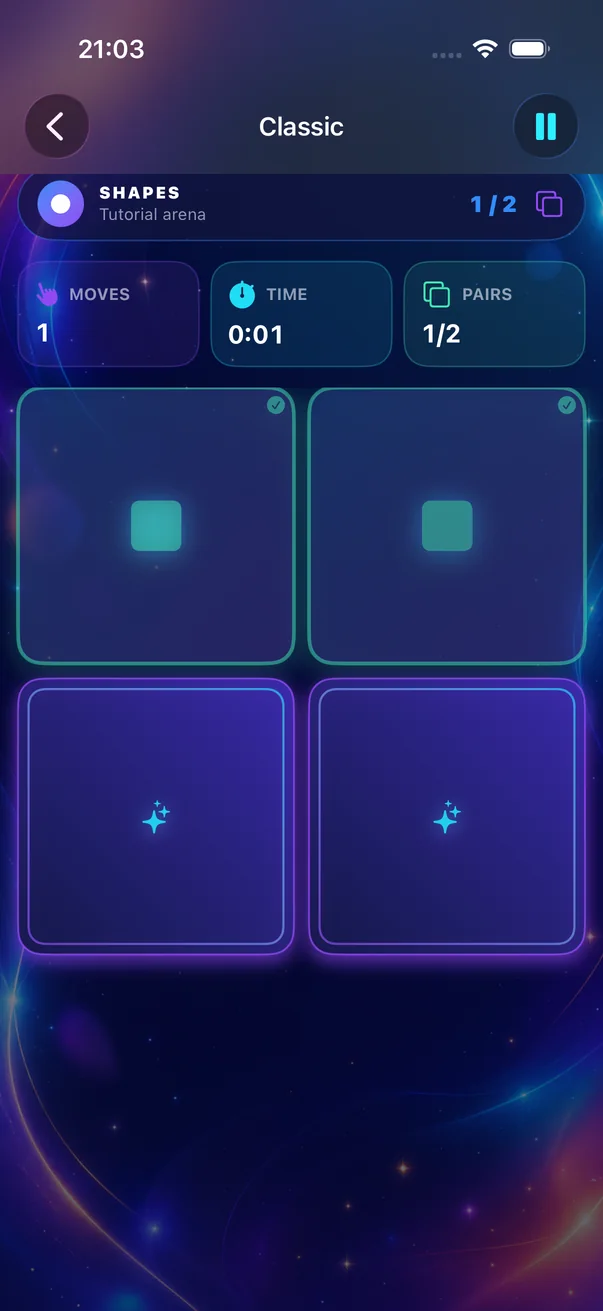
Tap one card, then another, to reveal the symbols hiding underneath.
Memory Matching is a colorful memory matching game for quick, satisfying rounds—on iPhone and iPad.
The classic game, beautifully simple
Every round begins with a shuffled board of face-down cards. The goal is simple: reveal two at a time and find every matching pair.
Tap one card, then another, to reveal the symbols hiding underneath.
A mismatch turns back over. Keep each symbol and position in mind.
Matching symbols stay revealed. Find every pair to complete the board.
Pick your pace
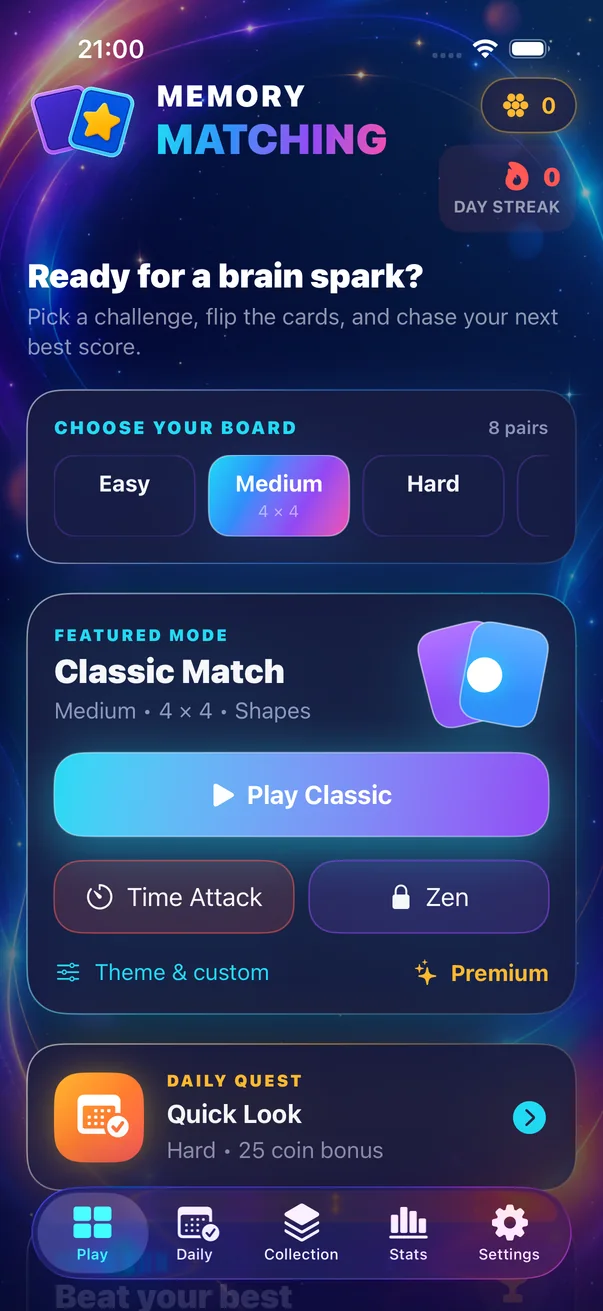
Stay relaxed, race the clock, return for a fresh daily rule, or build a board that feels like yours.
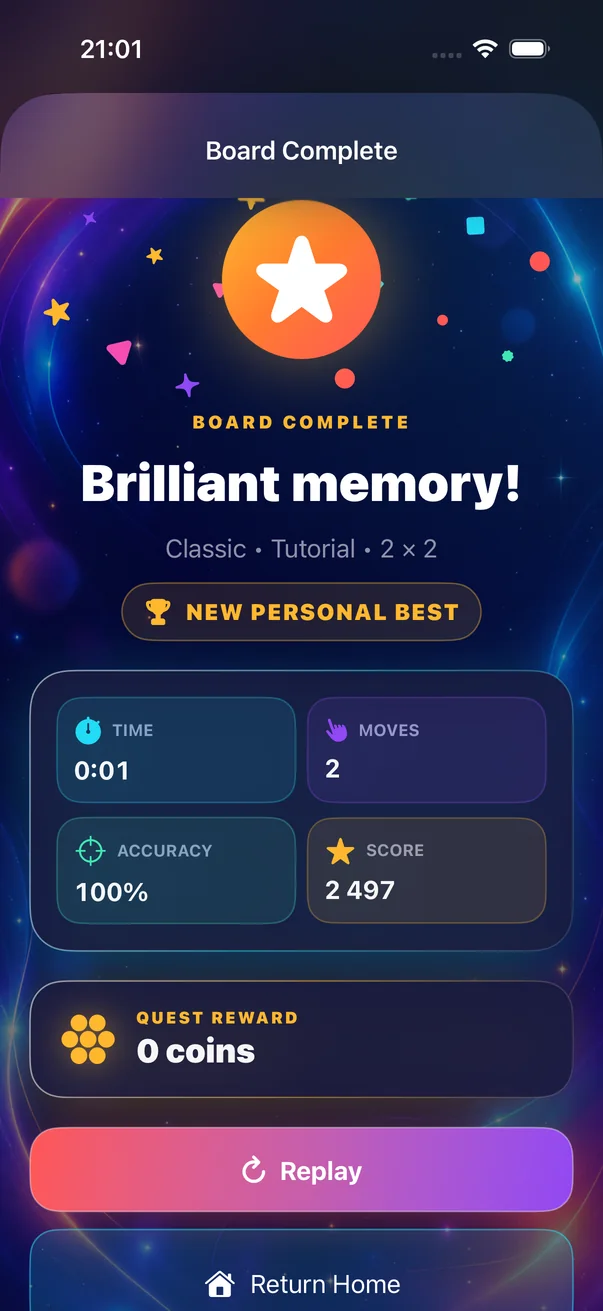
Match every pair, then chase a better time, move count, accuracy, and score.
Clear the board before the clock reaches zero.
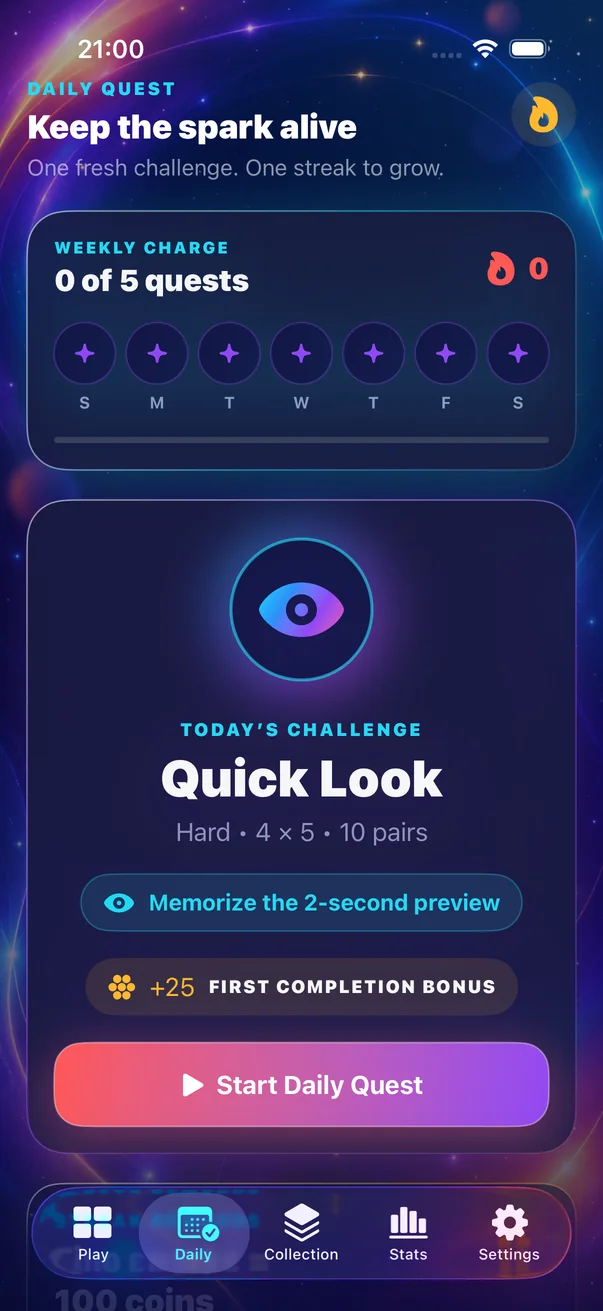
Take on one fresh rule variant, grow your streak, and earn the first-completion bonus.
A calmer Premium mode for untimed play.
PremiumChoose a board, theme, and rules for your own Premium quest.
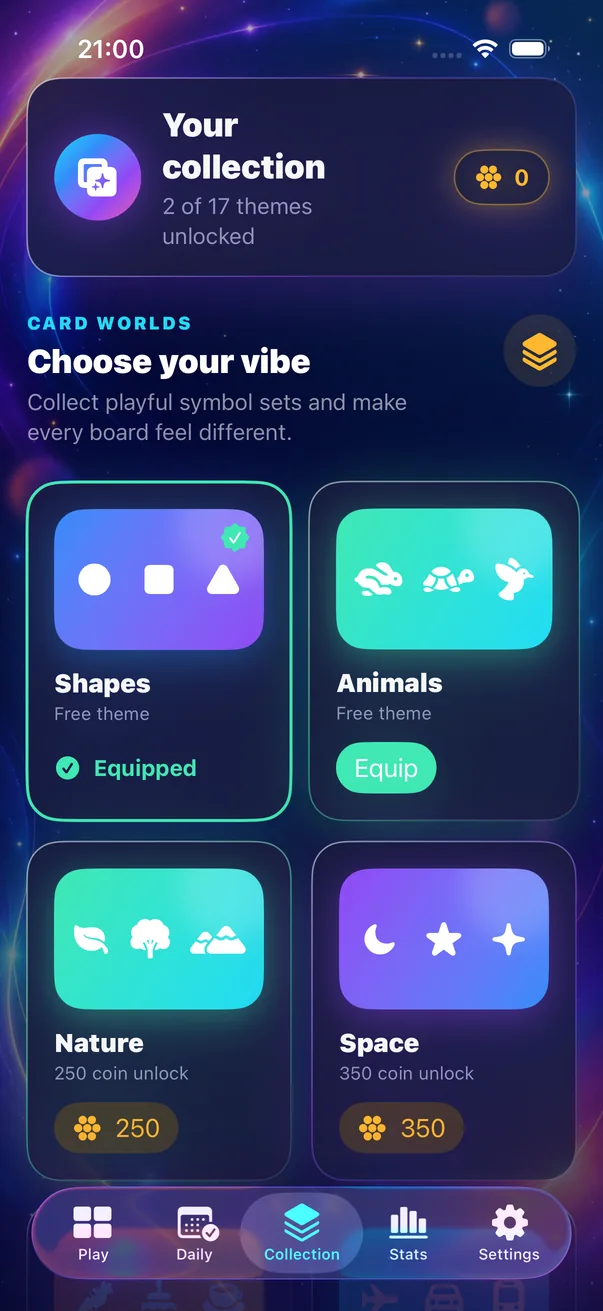
PremiumGenuine app screens
Every image below was captured from the current Memory Matching simulator build.
Made for a better break
Memory Matching puts attention, recall, concentration, and pattern recognition at the heart of play—without making health promises or turning a simple game into homework.
Every flip asks you to notice one symbol and where it appeared.
Use what you have already seen to choose the next card.
Stay with the board as it changes from hidden cards to known pairs.
Connect matching symbols while building a mental map of the grid.
Easy to Expert
Start with six pairs or step up to an Expert 6 × 6 board. More cards means more positions to hold in mind.
A friendly board for learning the rhythm.
The balanced everyday challenge.
A taller grid with more places to remember.
The biggest board and the deepest challenge.
Play with a plan
Clear, useful answers for learning the rules, choosing a board, and making fewer uncertain moves.
Start here
The rules, one example turn, and what every result means.
Use fewer moves
Build a map of the board and turn more reveals into matches.
Choose well
What makes a simple game feel satisfying instead of childish.
Quick answers
Reveal two face-down cards. If the symbols match, they stay revealed. If they do not, remember their positions before they turn back over. Find every pair to complete the board.
Memory Matching is free to download. Classic, Time Attack, all standard board sizes, Daily Challenges, earned themes, local statistics, and offline gameplay are included. Optional ads and permanent in-app purchases support the free experience.
Yes. Gameplay works offline. An internet connection is only needed for App Store purchases, optional Game Center features, and advertising.
No. Optional upgrades and theme packs are permanent non-consumable purchases. Premium unlocks Zen, Custom, advanced statistics, all launch themes, and removes forced interstitial ads.
Ads never interrupt an active board. Eligible interstitials can appear only after completed boards at a results transition, and not in the first session. Rewarded ads are voluntary and describe the reward before you choose.
Memory Matching supports iPhone and iPad running iOS or iPadOS 17 or later. The confirmed launch language is English.
No in-app account is required. Progress is stored locally. Game Center is optional for eligible leaderboards and achievements; local progress does not cloud-sync between devices.

Download free and start matching on iPhone or iPad.